Thinking about redoing your space but not sure where to start? Picking out furniture and figuring out layouts can be a headache. Luckily, there are some pretty neat apps out there that let you play designer right from your phone or computer. These tools can help you see what your room might look like before you buy anything, which is a lifesaver. We looked at a bunch of them to find the best app to design a room that fits your vibe.
Key Takeaways
- Planner 5D is a user-friendly app for creating both 2D and 3D room designs with a large catalog of items.
- Homestyler offers advanced design features and inspiration from pre-designed layouts, making it easy to visualize your dream home.
- Roomstyler is a great free option for design enthusiasts who want to quickly create 3D images of their plans.
- Room Planner stands out for its intuitive interface and useful free version, allowing easy 2D and 3D mockups.
- Floorplanner provides a good balance of features for personal and professional use, with a vast library of design objects.
1. Planner 5D
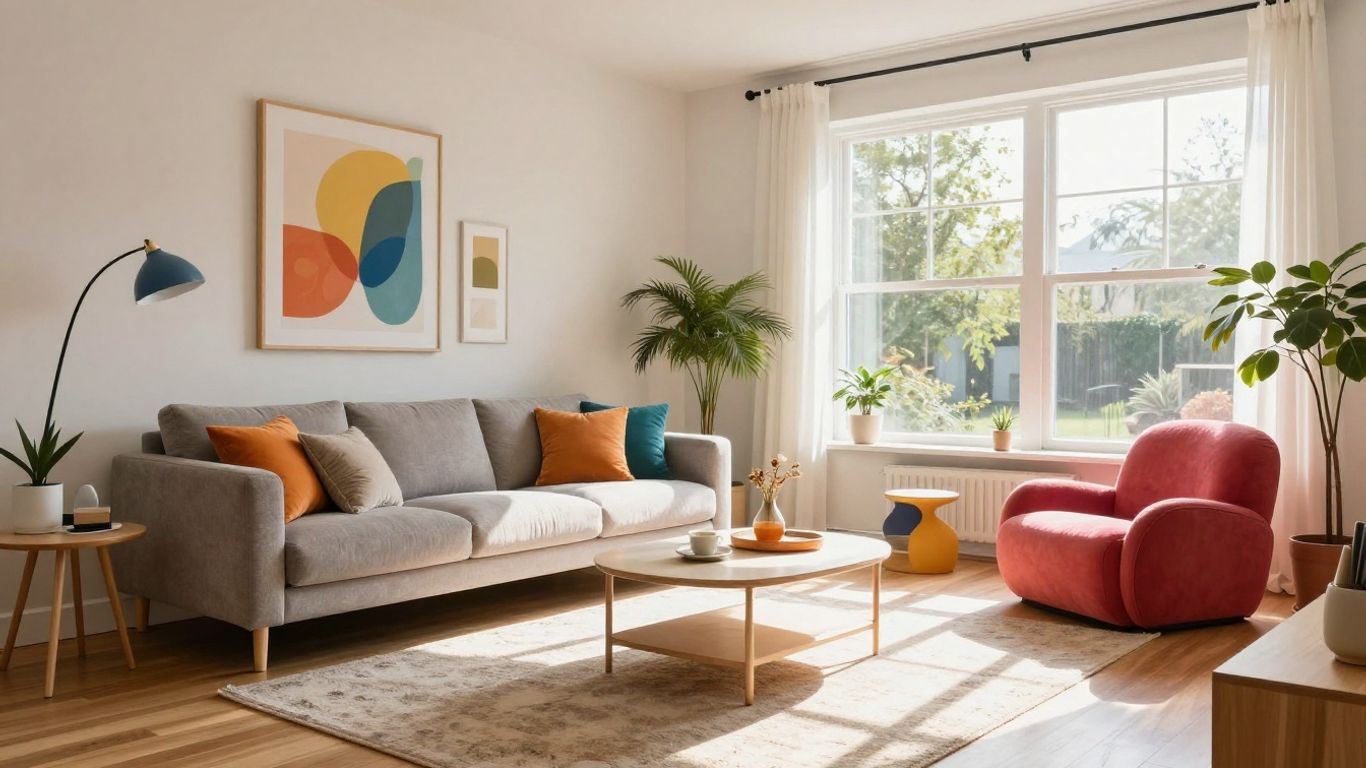
Planner 5D is a pretty straightforward app that gets you designing rooms pretty quickly. When you first open it, there's a short tutorial that pops up, which is handy because, let's be honest, who actually reads the manual first? You start by creating your room's basic shape, kind of like drawing a floor plan, and then you can start adding all the fun stuff.
What's nice about Planner 5D is that you can make changes and see them happen right away in 3D. It feels a bit like playing The Sims, but for your actual house. You can add furniture, plants, even pets if you want to get really detailed. It's got a lot of options, which is great for playing around with different looks.
However, the free version can feel a little restrictive. You'll notice pretty quickly that a lot of the cooler furniture and design elements are locked behind a "premium" version. It's like they show you all the cool toys but only let you play with a few.
Here's a quick look at what you get:
- Free Version: Access to a basic editor, over 150 decor items, and unlimited projects.
- Premium Version: Unlocks a huge catalog of over 8,400 items, lets you change furniture sizes, and gives you access to advanced AI design tools.
If you don't mind the limitations or are thinking about upgrading, Planner 5D is a solid choice for getting your design ideas down on screen.
The app is available on phones, web browsers, and desktops, so you can work on your designs wherever you are. It syncs across devices, which is a big plus if you switch between your computer and your phone a lot.
2. Homestyler
Homestyler is a pretty neat app if you're looking to get a really realistic feel for your room designs. It's quite user-friendly, which is always a plus, and you can edit things in 3D without constantly switching between 2D and 3D views, unless you want to. They've got some fun options for architectural details, too, if you're into that kind of thing.
The free version is a good starting point, and you can add more features if you need them. It's great for visualizing makeovers or just playing around with different layouts.
Homestyler offers a few ways to get started:
- App: Use your phone to scan a room, upload a floor plan, or even a photo. You can also work with template rooms.
- Web Version: This is where the real design work happens, allowing for more detailed planning.
- AI Features: They have AI tools that can help with design inspiration and even model creation.
One of the best parts is that many of the furniture and decor items in their library are from real brands you can actually buy, like Amazon, Target, and Joybird. This makes it super easy to go from planning to shopping.
While the free plan is decent, you might find some premium items locked. You can earn credits by completing tasks or upgrade to a paid plan. Advanced rendering plans start around $19 a month, but they sometimes have introductory offers.
3. Roomstyler
Roomstyler is a pretty neat option if you're looking for a free way to get your design ideas down. It works right in your web browser, which is handy because you don't have to download anything. You can either draw your own room layout or pick from some pre-made shapes, which I found pretty easy to work with, even without a design background. It’s kind of like playing The Sims, but for real life!
One of the best parts is the huge library of furniture and decor items – we're talking over 120,000 things. What's cool is that many of them are from actual brands, and they even list the product names and sizes. So, if you see something you really like, you could potentially track it down later, though you might have to do a bit of searching online since there aren't direct shopping links.
They also have design contests you can enter, which is a fun way to get inspired and maybe even win something. You can share your projects and see what other people are creating, too.
Here's a quick look at what it offers:
- Vast Furniture Library: Over 120,000 items from real brands.
- Browser-Based: No downloads needed, accessible from anywhere.
- Community Features: Design contests and project sharing.
- Customizable Lighting: Adjust lighting to see how it affects your space.
While Roomstyler doesn't have a feature to scan your room directly, drawing the walls yourself is straightforward. The higher-resolution 3D images do cost credits, but the free version is still really useful for planning.
Getting a good 3D picture of your design is easy, though if you want the super high-quality ones, you'll need to buy some credits. It's a small price to pay for a good visualization, I think.
4. Room Planner
If you're looking for a straightforward app that's easy to get the hang of, especially on a smaller screen like your phone, Room Planner is a solid choice. It really shines with its user-friendly interface, making it simple to get your ideas down quickly. You can sketch out your room, add furniture, and then switch between 2D and 3D views to see how everything looks. It's pretty neat how you can see your changes in real-time, whether you're just playing with paint colors or placing a whole sofa. Plus, saving your designs to your phone's camera roll is a breeze, which is handy if you want to share your progress or just keep a record.
Here's a quick look at what makes it stand out:
- Intuitive Design Tools: Easy to draw walls and place objects.
- 2D and 3D Views: Switch between layouts to visualize your space.
- Save Designs: Quickly save your creations to your device.
- Free Version Available: Get started without any cost.
While it might not have all the bells and whistles of some of the more complex desktop programs, Room Planner gets the job done for most people. It's great for getting a feel for a space and trying out different furniture arrangements without a steep learning curve.
It's a good option if you're not trying to create hyper-realistic renderings but rather want a practical tool to plan out your room's layout and basic decor. The ability to see your design on your phone while you're even at a furniture store can be a real help.
5. Floorplanner
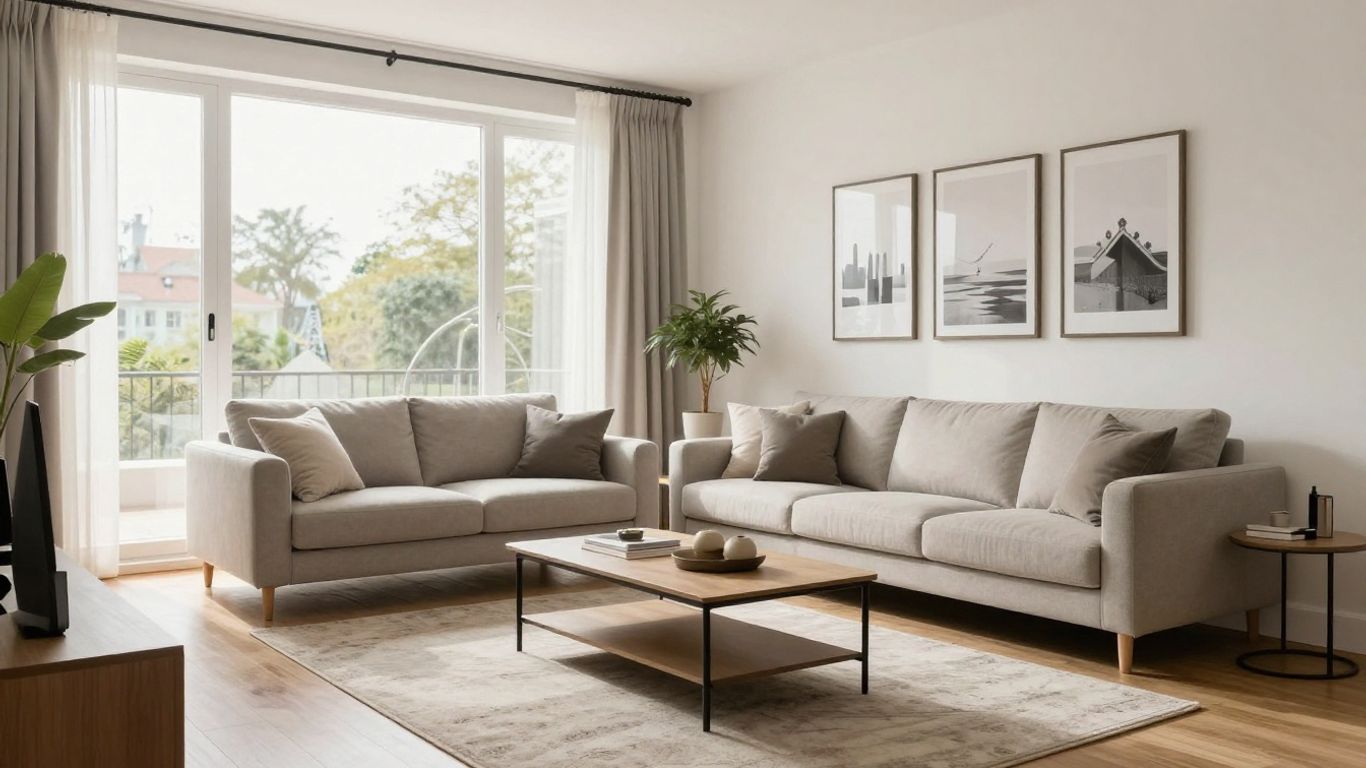
Floorplanner is a pretty straightforward tool that does exactly what its name suggests: it helps you create floor plans. It's quite simple to get started, whether you're sketching out a new layout from scratch or tweaking an existing one using their templates. You can easily adjust room dimensions and move things around.
One of the neat features is the ability to switch between a 2D view and a 3D view once you've got your basic layout down. This lets you see how your plan looks from different angles and even start adding in furniture and decor. It's a good option if your main goal is to get the room's structure and layout right.
Key Features:
- Easy layout creation: Quickly draw walls, add doors and windows.
- 2D and 3D views: Toggle between plans and realistic 3D models.
- Basic furnishing options: Add furniture and decor to visualize the space.
While Floorplanner focuses heavily on the architectural side, you can still play around with paint colors and furniture placement. Just remember that you often need to switch back and forth between the 2D and 3D views to see all your changes, which can be a little bit of a hassle sometimes.
This app is best if you're primarily concerned with getting the dimensions and layout of your space correct before you worry too much about the finer decorative details. It's a solid foundation builder for any design project.
6. HomeByMe
HomeByMe is a pretty neat online tool that makes designing your space feel less like a chore and more like playing a game. It starts you off with a helpful tutorial, which is great because, let's be honest, figuring out new software can be a pain. You can sketch out your room in 2D, adding walls and doors, and then flip it to 3D to see how it all looks. What's cool is that you can actually make changes in the 3D view without having to jump back to 2D, which is super handy when you're tweaking furniture placement.
The furniture and decor options available are quite modern and stylish, which is a big plus if you're going for a contemporary look. I spent some time playing around with different wallpapers and furniture pieces. However, I did notice that the catalog isn't as massive as some other apps out there. Also, I couldn't quite figure out how to remove a default person from the 3D model, which was a bit odd.
Here's a quick rundown of what you can expect:
- User-Friendly Interface: Easy to get started, especially with the intro tutorial.
- 2D/3D Design: Plan in 2D and visualize in 3D, with the ability to edit in 3D mode.
- Modern Decor Options: A good selection of stylish, contemporary furnishings.
- Potential Catalog Limitations: May not have the sheer volume of items found in other apps.
If you're looking for a straightforward design tool with a good sense of modern style and don't need an overwhelming number of product choices, HomeByMe is definitely worth checking out. It's a solid option for getting a good visual of your room ideas without too much fuss.
7. magicplan
magicplan is a tool that really focuses on getting your floor plans sorted out. It's built for folks who work in the home design world, like interior designers, contractors, and real estate agents. You can whip up both 2D and 3D floor plans with it, which is pretty handy.
What's cool is that it doesn't just stop at floor plans. It also acts like a central spot for managing your projects. You can keep track of forms, photos, and other important files all in one place. This makes it easier to share and keep tabs on everything, especially if you're juggling multiple projects or renovations.
- Create 2D and 3D floor plans.
- Manage project documents like forms and photos.
- Streamline communication and project tracking.
If you're a professional in the home design field, magicplan offers a way to keep your floor plans and project details organized and accessible. It's also a good option for homeowners who want to keep a close eye on their renovation progress.
8. Havenly
Sometimes, you just need a little professional help to get your room looking just right. That's where Havenly comes in. It's like having a personal interior designer without the hefty price tag.
Havenly offers a couple of ways to get that designer touch. You can go for a full design service, which is pretty comprehensive, or if you're just stuck on a specific area or need a quick idea, they have mini-consultations. Prices are pretty reasonable, starting around $79 for those smaller sessions and going up to $129 for a full consult. It's a good option if you're busy and want someone to pick out the furniture and decor for you, telling you exactly what to buy. They really help curate the whole look.
Here's a quick look at their service options:
- Mini-Consultation: Great for quick advice or a specific room area.
- Full Design Service: For a more complete room makeover.
If you've moved into a new place or just feel overwhelmed by all the choices out there, bringing in a Havenly designer can really simplify the process. They take the guesswork out of selecting items and put together a cohesive look that fits your style. It's a popular choice for a reason!
9. Modsy
Modsy is another service that bridges the gap between DIY design and professional help, but with a slightly different approach than Havenly. If you're on a tighter budget but still want that personalized touch, Modsy could be a good fit. They offer different packages, and you can start with a single room for around $159. This usually includes a phone call with a designer and, a big plus, unlimited revisions. So, if you're someone who likes to tweak things until they're just right, this unlimited revision policy is a real game-changer.
Modsy is a solid choice if you anticipate needing multiple design adjustments.
When comparing Modsy and Havenly, it often comes down to revision needs and price. Havenly is generally more affordable, but their revision policy is more limited. Modsy costs a bit more upfront, but the freedom to make endless changes can save you headaches and potentially money down the line if you're indecisive.
It's worth noting that for Modsy and Havenly, you don't necessarily need to download an app to use their core services. The main interaction happens through their online platforms where you upload photos, discuss your style, and receive design proposals.
- Package Options: Choose a plan that suits your budget, from single rooms to multi-room makeovers.
- Unlimited Revisions: Ideal for those who want to fine-tune every detail.
- Professional Consultation: Get advice and curated product suggestions from interior design experts.
While Modsy offers a more hands-on design experience with unlimited revisions, it's important to weigh this against the initial cost compared to services with fewer revision rounds but a lower price point. Consider how much back-and-forth you realistically expect to need.
10. Foyr Neo
Foyr Neo is a pretty solid choice if you're a professional designer or someone who just wants to get designs done quickly. It’s built for people who need to create mood boards, renders, and even 3D walkthroughs, whether it's for a house or a business space. They say you can design rooms in just minutes, which sounds pretty wild, right?
It comes with a huge library of furniture – like over 50,000 models – and they've thrown in some AI design features to help things along. Plus, there's a bunch of design inspiration built right in.
Here’s a quick look at what it offers:
- Over 50,000 furniture models
- AI-powered design assistance
- 2D/3D floor plans and 3D walkthroughs
- Mood board creation
They do have a 14-day free trial, which is great for testing it out. After that, you'll need to pick a plan. The pricing can add up, especially if you're not using it for client work regularly.
While it's marketed towards professionals, the interface is supposed to be pretty easy to get the hang of. So, even if you're not a seasoned pro, you might find it manageable. Just keep an eye on the subscription costs if it's just for personal projects.
So, What's the Verdict?
Alright, so we've looked at a bunch of these room design apps. It's pretty wild how much you can do right from your phone or computer these days. Whether you're just trying to figure out where to put that new couch or planning a whole house reno, there's definitely an app out there for you. Don't get too bogged down trying to find the 'perfect' one right away. Just pick one that seems interesting, mess around with it, and see what happens. You might surprise yourself with what you can create. Happy designing!
Frequently Asked Questions
What is the easiest room design app to use for beginners?
Apps like Planner 5D and Room Planner are often recommended for beginners because they have simple, step-by-step guides and easy-to-understand tools. You can often just drag and drop items to see how they look, making it feel more like playing a game than doing complex design work.
Can I use these apps to design a whole house or just one room?
Most of these apps let you design anything from a single room to an entire house. You can start with a basic floor plan and then add walls, doors, windows, and furniture to create a complete layout. Some even let you design outdoor spaces like gardens.
Do I need a powerful computer to use these design apps?
Many of these apps are designed to be used on your phone or tablet, so you don't need a super powerful computer. Some offer web-based versions too, meaning you can use them right in your internet browser. A few advanced options might work best on a desktop, but there are plenty of mobile-friendly choices.
Are there apps that can help me if I want to buy the furniture I see?
Yes, some apps include features that link to real furniture brands and products. While you might need to do a little extra searching, these apps can show you exactly what items are used in a design, making it easier to buy them for your own space.
What's the difference between a 2D and 3D room planner?
A 2D planner shows your room from a top-down view, like a blueprint, which is great for planning the layout and measurements. A 3D planner lets you see your room from different angles, so you can visualize how furniture looks and how the space feels. Many apps let you switch between both views.
Are there apps that offer professional design help?
Some apps, like Havenly and Modsy, connect you with real interior designers. You can get advice or even have a designer create a plan for your room. These services usually come at an extra cost, but they can be more affordable than hiring a designer in person.